Brand Guidelines
Official reference for using Big Talents branding, marks, and colors. Keep everything consistent across competitive, creator, and partner touchpoints.
Logo Assets
Two official marks: the premium Gold Primary for high-impact visuals, and the Simple Mark for daily UI and small-size use.
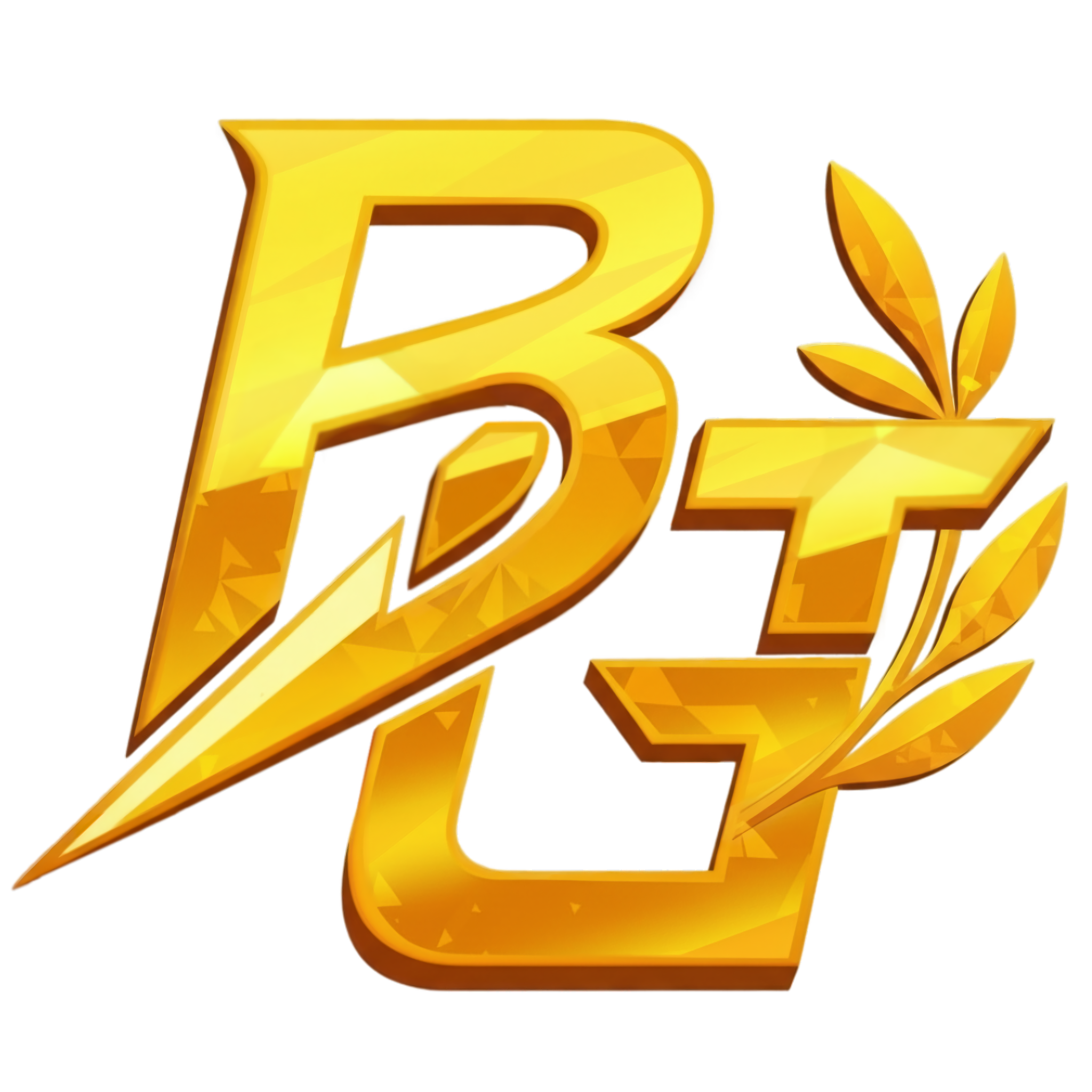

Primary Mark (Gold)
Our flagship hero logo for high-impact visuals, announcements, and main brand presence.
Download PNG
Simple Mark
Reduced-detail version for UI, small sizes, overlays, and everyday brand utility.
Download PNGLogo Usage
Quick rules to keep the mark clean across web, social, and event materials.
Clear Space
Keep clear space around the logo equal to the height of the ‘T’ stem at minimum.
Minimum Size
Use the Simple Mark below ~64px height in UI to preserve readability.
Backgrounds
Prefer flat or softly graded backgrounds. Avoid high-contrast noise behind the mark.
Brand Colors
The core palette that defines the Big Talents visual identity.
Primary Gold
#D4AF37
rgb(212, 175, 55)
Light Gold
#E0B84F
rgb(224, 184, 79)
Dark Gold
#B8941C
rgb(184, 148, 28)
White
#FFFFFF
rgb(255, 255, 255)
Dark Background
#0A0A0A
rgb(10, 10, 10)
Typography
Outfit is the official type family for consistent, modern brand communication across BGT platforms.
Primary Font
Used for headings and high-importance moments.
Best for UI sections, cards, and structured highlights.
Body text across editorial and informational pages.
Usage Guidelines
- Use Inter for all digital applications
- Maintain proper hierarchy with font weights
- Ensure sufficient contrast for readability
- Use gold sparingly for emphasis
Brand Integrity
Fast reference rules for keeping the BGT identity clean and consistent.
Do
- Use official logo files only
- Maintain proper spacing around the mark
- Use approved color combinations
- Keep the logo readable at all sizes
- Prefer the Simple Mark for small UI
Don't
- Alter or redraw the logo
- Use low-resolution exports
- Place the mark on busy textures
- Change colors outside the palette
- Stretch, skew, or add heavy effects
Need Help?
Questions about brand usage, creator assets, or partner deliverables? Reach us here.